
Passwords have protected online accounts for decades, but they have also become one of the weakest parts of digital security.
People are expected to create unique passwords for email accounts, banking applications, social media platforms, online stores, streaming services, and dozens of other websites. Remembering all of them is almost impossible, so many users reuse the same password across multiple accounts.
This creates a serious security problem. If one website suffers a data breach, criminals may try the exposed email addresses and passwords on other platforms. Even strong passwords can be stolen through phishing emails, fake login pages, malware, and social engineering.
Technology companies have introduced password managers, security keys, and two-factor authentication to reduce these risks. However, another solution is gradually changing how people sign in to their accounts: passkeys.
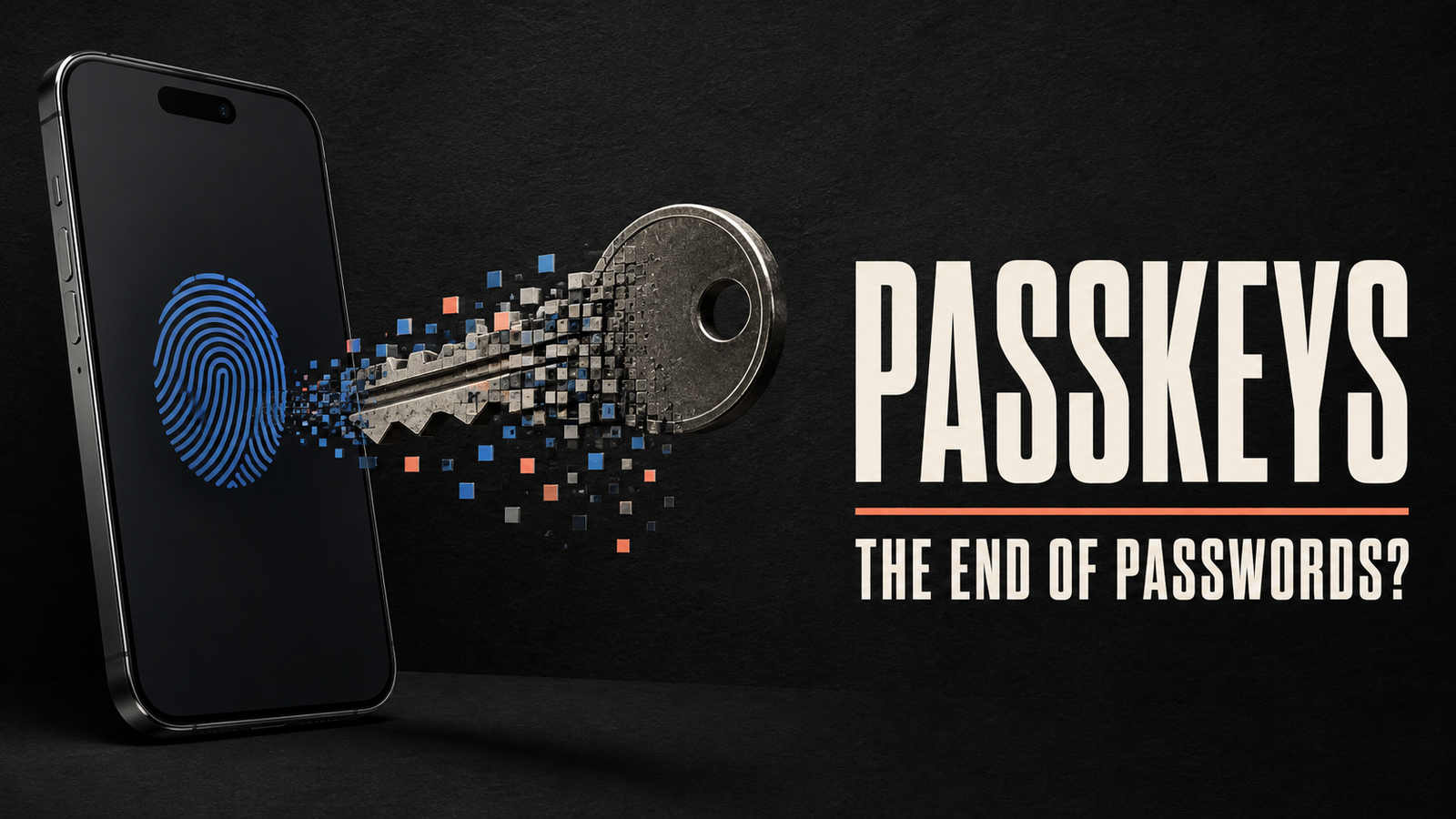
Passkeys allow users to log in using the same method they already use to unlock their devices, such as a fingerprint, facial recognition, PIN, or screen pattern. They are designed to be more convenient and resistant to common attacks than traditional passwords.
But what exactly is a passkey, how does it work, and is it really safer than a password?
What Are Passkeys?
A passkey is a digital credential that allows you to sign in to an application or website without entering a traditional password.
Instead of typing a combination of letters, numbers, and symbols, you confirm your identity using your device. Depending on the device, this could involve:
- Scanning your fingerprint
- Using facial recognition
- Entering your device PIN
- Drawing your screen-lock pattern
- Approving the login from another trusted device
Passkeys are based on public-key cryptography, a security method that uses two mathematically connected digital keys.
One key is public and is stored by the website or service. The other is private and remains protected on your device or within your credential-management system.
The website can verify that you have the correct private key without receiving or storing that private key itself.
This is important because there is no reusable password for criminals to steal from the website’s database.
How Do Passkeys Work?
The technology behind passkeys may sound complicated, but the experience for the user is usually simple.
When you create a passkey for an account, your device generates a unique pair of cryptographic keys:
- A public key is sent to the website.
- A private key is securely stored on your device or in an encrypted credential service.
When you later attempt to sign in, the website sends your device a digital challenge. Your device uses the private key to respond to that challenge.
Before the device completes the process, it asks you to verify your identity using a fingerprint, face scan, PIN, or another local authentication method.
The website then checks the response using the public key. If the information matches, access is granted.
Your biometric information is not normally sent to the website. It is used locally to unlock access to the private credential stored on your device.
From the user’s perspective, the process may take only a few seconds.
A Simple Passkey Example
Imagine that you create an account on an online shopping website.
With a traditional login system, you would create a username and password. The website would store a protected version of the password, and you would need to enter it every time you signed in.
With a passkey, your phone or computer creates a unique digital credential for that website.
The next time you visit the site, it may ask you to confirm your identity using your fingerprint. Once your device verifies the fingerprint, it uses the private key to complete the login.
You do not need to remember or type a password.
More importantly, the private key never needs to be shared with the website.
Passkeys vs Passwords
Passkeys and passwords are both used to verify that a person should have access to an account. However, they work in very different ways.
| Feature | Passkeys | Passwords |
|---|---|---|
| Information entered | Fingerprint, face scan or device PIN | Typed password |
| Credential type | Cryptographic key pair | Secret text |
| Stored by website | Public key | Protected version of password |
| Vulnerable to phishing | Highly resistant | Frequently targeted |
| Memorisation required | No | Usually yes |
| Reuse across websites | No | Common among users |
| Login experience | Usually quick | Depends on password complexity |
| Data-breach exposure | No reusable private credential stored by the website | Password data may be targeted |
Passwords depend on users keeping a shared secret safe. Passkeys rely on cryptographic proof and possession of a trusted device.
This makes passkeys more resistant to several common security threats.
Why Are Passkeys More Secure?
Passkeys offer security advantages because they remove many of the weaknesses associated with passwords.
They Are Resistant to Phishing
Phishing attacks often direct users to fake websites that resemble legitimate login pages. When the victim enters a password, the attacker captures it.
Passkeys are connected to the website or application for which they were created. A passkey created for one website should not authenticate a login request from an imitation website with a different domain.
There is also no password for the user to accidentally type into a fraudulent form.
They Cannot Be Guessed
Weak passwords are often based on names, birthdays, phone numbers, or common words. Attackers can use automated tools to test large numbers of possible passwords.
A passkey is created using cryptographic technology rather than a phrase chosen by the user. It cannot be guessed in the same way as a short or predictable password.
They Are Unique to Each Account
People frequently reuse passwords because creating and remembering a different one for every account is difficult.
Passkeys are automatically generated and unique to each website or service. A security incident involving one account therefore does not reveal a credential that can be reused elsewhere.
Websites Do Not Store the Private Key
In a password-based system, criminals may target a website’s password database. Even when passwords are protected through hashing and other security measures, weak credentials may still be cracked or abused.
With passkeys, the service stores the public key. The private key required to complete authentication remains protected on the user’s side.
Stealing the public key alone does not allow an attacker to log in.
Local Verification Adds Protection
Using a passkey normally requires the device to verify the user through biometrics or a PIN.
Possessing the device may therefore not be enough. An unauthorised person must also get past the device’s local security.
Are Fingerprints and Face Scans Sent to Websites?
A common concern about passkeys is whether biometric information is shared with every website that uses them.
In a typical passkey system, your fingerprint or facial information remains on your device. It is used to confirm that you are authorised to access the private key.
The website receives cryptographic confirmation that the login was approved. It does not need to receive an image of your face or a copy of your fingerprint.
The distinction is important: biometrics unlock the credential locally, while the credential authenticates you to the website.
The exact security protections can depend on the device, operating system, browser, and credential provider being used.
What Happens If You Lose Your Device?
Losing a phone or computer is one of the biggest concerns people have about switching to passkeys.
In many systems, passkeys can be securely synchronised across devices connected to the same account or credential manager. If you replace your phone, you may be able to recover your passkeys after verifying your identity and signing in to your device ecosystem.
You may also be able to use a second trusted device to sign in. For example, a website opened on a computer may display a QR code that can be scanned using a phone containing the passkey.
However, recovery options vary between services.
Before relying completely on passkeys, users should review:
- Whether passkeys synchronise across their devices
- What account-recovery methods are available
- Whether a second trusted device can be used
- Whether backup codes are provided
- Whether a physical security key is supported
- Whether the account still has a password fallback
It is also important to protect the main account used to synchronise credentials.
Can Passkeys Be Used Across Different Devices?
Passkeys can often be used across phones, tablets, and computers, but the exact experience depends on the platform.
If your devices use the same credential ecosystem, passkeys may synchronise automatically after you sign in and complete the required security checks.
If you are using an unfamiliar or shared device, you may be able to authenticate using a nearby phone. The device displays a QR code, and your phone confirms the login through a secure proximity-based process.
This allows you to sign in without permanently transferring the private credential to the unfamiliar computer.
Cross-platform compatibility continues to improve, but users may occasionally encounter websites or devices with limited passkey support.
Are Passkeys the Same as Two-Factor Authentication?
Passkeys and two-factor authentication are related security technologies, but they are not exactly the same.
Traditional two-factor authentication normally combines two separate elements:
- Something you know, such as a password.
- Something you have or are, such as a phone, security key, fingerprint, or authentication code.
A passkey can combine device possession with local user verification. You have access to the device containing the credential, and you confirm your identity using a PIN or biometric method.
For this reason, a passkey may provide stronger protection than a password alone while creating a simpler login experience.
A service may still apply additional security checks for sensitive actions or unusual login attempts.
Benefits of Passkeys for Users
Passkeys are not only about security. They can also make account access easier.
No Passwords to Remember
Users do not have to create complicated passwords or remember which version they used for a particular website.
Faster Login
Signing in with a fingerprint or face scan can be faster than typing a password, particularly on a mobile device.
Fewer Password Resets
Forgotten passwords are a common source of frustration. Passkeys can reduce the need to reset credentials through email links or security questions.
Better Protection from Fake Login Pages
Because passkeys are associated with specific services, they provide stronger protection against phishing websites.
Less Dependence on Verification Codes
SMS and email verification codes can be delayed, intercepted, or entered into fraudulent websites. Passkeys can reduce reliance on these methods, although some services may still use them for recovery or additional verification.
Benefits of Passkeys for Businesses
Businesses can also benefit from supporting passwordless authentication.
Fewer Support Requests
Password resets generate a substantial number of customer-service and IT-support requests. Passkeys may reduce this burden.
Reduced Account-Takeover Risk
Phishing, credential reuse, and stolen passwords are major causes of account compromise. Passkeys can make these attacks more difficult.
Improved Customer Experience
A complicated login or account-recovery process can cause users to abandon a service. Faster authentication may reduce friction.
Less Valuable Password Data
If a business does not rely on passwords, its authentication database contains fewer reusable secrets that attackers can target.
Businesses must still protect user accounts, public keys, sessions, devices, recovery methods, and application infrastructure. Passkeys improve authentication security but do not eliminate every cybersecurity risk.
Limitations of Passkeys
Although passkeys offer several advantages, they are not perfect.
Not Every Website Supports Them
Many services continue to depend on passwords. Users may need to manage both authentication methods for some time.
Recovery Can Be Confusing
If a person loses every trusted device or access to the account that synchronises passkeys, recovery may become difficult.
Shared Devices Require Care
Passkeys stored on a shared computer could create privacy or access concerns if individual user profiles are not properly protected.
Platform Switching May Create Friction
Moving between different device ecosystems or credential providers may require additional setup. Compatibility is improving, but the experience is not always identical across every platform.
Password Fallbacks Can Remain Vulnerable
Some accounts allow users to create a passkey while keeping the original password active. If attackers can still use or reset that password, the account may remain exposed to password-related threats.
Users should review all available login and recovery options—not only the passkey itself.
How to Start Using Passkeys Safely
If a website offers passkey authentication, the setup option can usually be found under account settings, security settings, or sign-in methods.
Before creating a passkey:
- Protect your device with a strong PIN or password.
- Enable biometric security where appropriate.
- Keep your operating system and browser updated.
- Review how the passkey will be stored and synchronised.
- Set up a secure recovery method.
- Consider keeping a second trusted device or security key.
- Remove unnecessary password access if the service safely allows it.
- Never approve a login request you did not initiate.
When using a public or shared computer, avoid saving credentials directly to that device. Use a trusted phone or portable security key when supported.
Will Passkeys Replace Passwords?
Passkeys have the potential to replace passwords for many everyday accounts, but the transition will take time.
Websites must update their authentication systems. Users need compatible devices, and organisations must create reliable recovery processes. Businesses also need to support people who use older technology or accessibility tools.
For the foreseeable future, passwords, passkeys, security keys, authentication applications, and verification codes will probably continue to exist together.
However, passkeys solve several problems that have made passwords difficult to manage and easy to attack. They remove the need to memorise credentials, prevent password reuse, and provide strong protection against phishing.
As support expands, passwordless authentication could become the normal way people access digital services.
Frequently Asked Questions About Passkeys
What is a passkey in simple terms?
A passkey is a secure digital credential that lets you sign in without typing a password. You verify your identity using your device’s fingerprint scanner, facial recognition, PIN, or screen lock.
Are passkeys safer than passwords?
Passkeys are generally more resistant to phishing, password guessing, and credential reuse. Their overall safety still depends on device security and account-recovery settings.
Can someone use my passkey if they steal my phone?
A stolen device does not automatically provide access to your passkeys. The person would normally need to unlock the device or pass its biometric or PIN verification.
Do passkeys work without biometrics?
Yes. Depending on the device, a passkey may be unlocked using a PIN, password, or screen pattern instead of a fingerprint or face scan.
Can I have both a password and a passkey?
Many services allow both. However, the account may still be vulnerable to password-related attacks if the password remains an active login or recovery option.
Where are passkeys stored?
Passkeys may be stored securely on a device, in a hardware security key, or through an encrypted credential-management service that synchronises them across trusted devices.
Do passkeys work offline?
Creating or using a passkey for an online service normally requires communication with that service. However, the identity verification and cryptographic operation occur locally on the device.
Final Thoughts
Passwords have been part of the internet for so long that replacing them may feel unrealistic. Yet the weaknesses of password-based authentication are becoming increasingly difficult to ignore.
Passkeys offer a more practical approach. They replace memorised secrets with unique cryptographic credentials, make phishing attacks significantly harder, and allow people to sign in using familiar device-security methods.
They also introduce new considerations. Users must understand how their passkeys are stored, how they can recover an account, and what happens when they change devices or platforms.
Passkeys are not a complete solution to every online security problem. A compromised device, weak recovery process, or poorly protected account can still create risk.
Nevertheless, passkeys represent an important step toward a digital world in which signing in is both easier and more secure. As more websites and applications support them, remembering dozens of passwords may eventually become a thing of the past.